Features
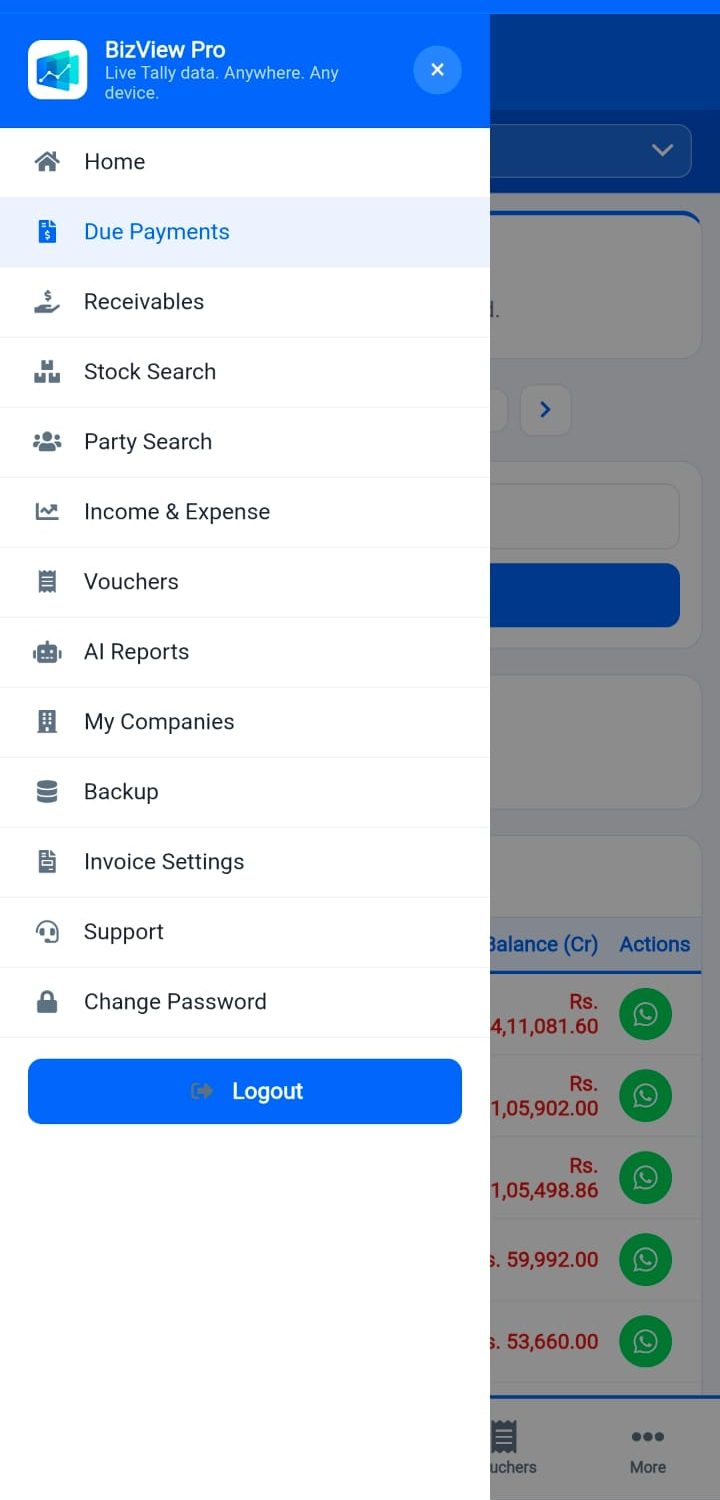
Everything your business needs
A complete business intelligence layer on top of TallyPrime — accessible from your phone, tablet, or browser.
Auto Tally Sync
Install the lightweight Windows agent on your Tally PC. It auto-syncs vouchers, ledgers, and stock in the background — no manual export needed.
Create & Edit Vouchers Remotely
Don't just view your Tally data — act on it. Create new Payment, Receipt, Sales and Purchase vouchers from the portal, or edit and delete an existing one — every change syncs straight back into Tally.
Voucher Restore & History
Made a mistake? Every voucher you edit or delete through the portal keeps a full version history — see exactly what changed and when, and restore an earlier version in one click.
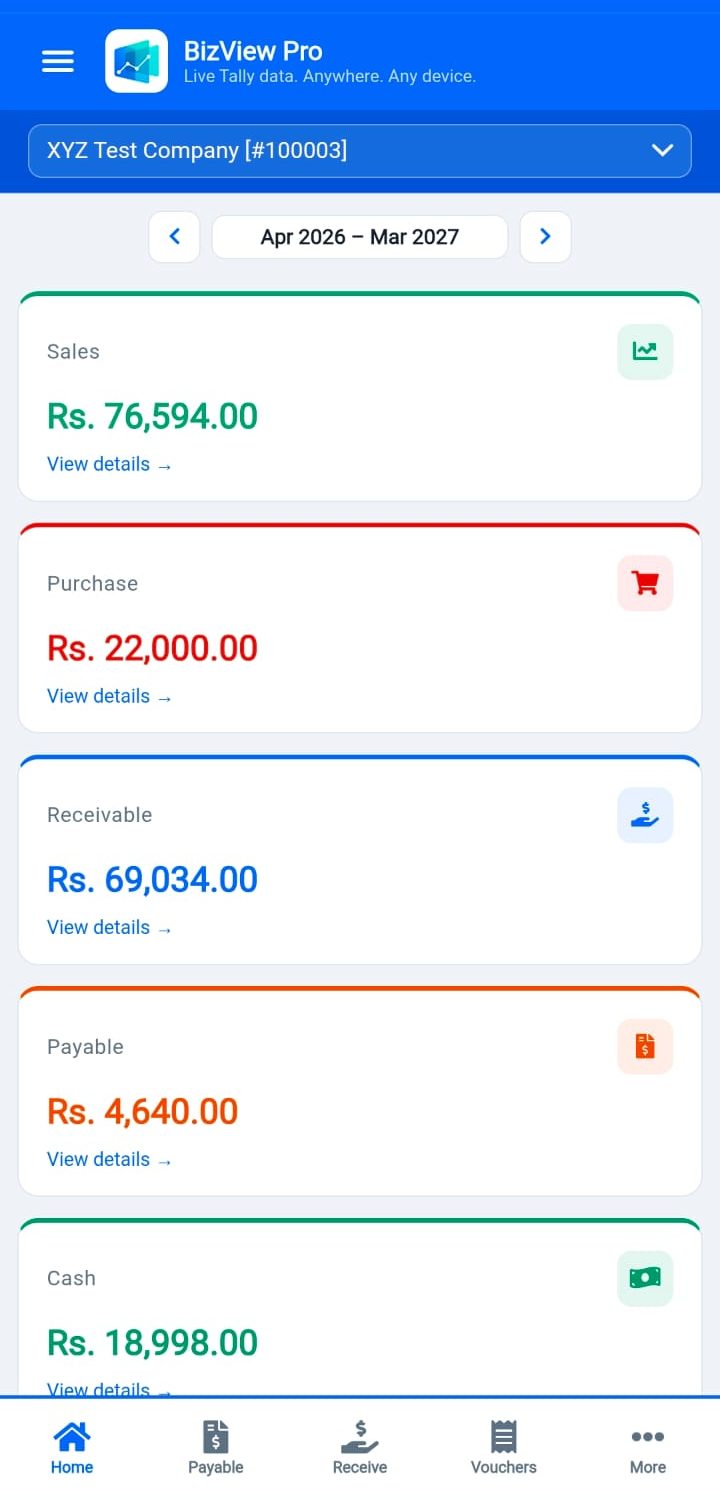
Live Dashboard
View Sales, Purchase, Cash, Bank, Receivables, Payables, Credit Notes, Debit Notes — all on one mobile-friendly dashboard updated after every sync.
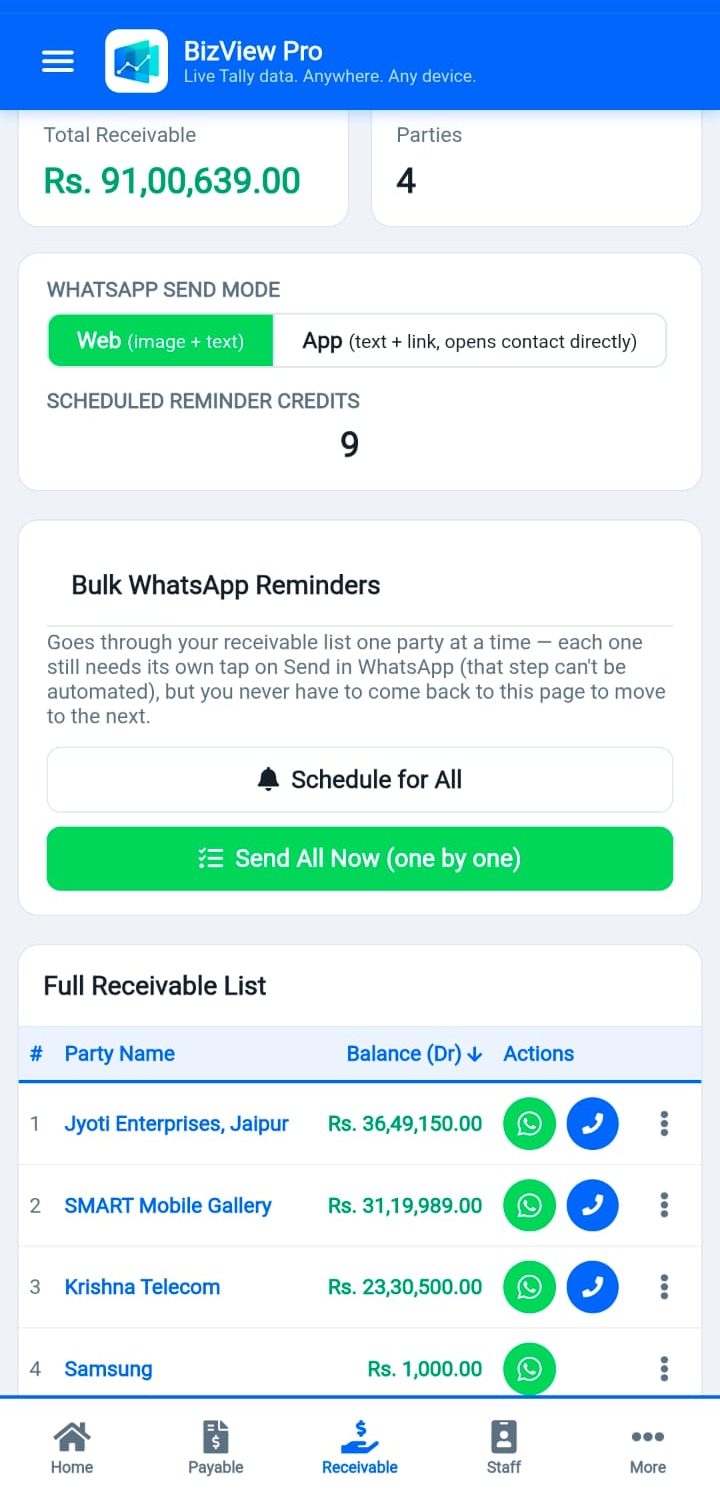
Receivables & Automated Reminders
See outstanding dues instantly, and send a WhatsApp payment reminder in one tap — or schedule automatic recurring reminders (weekly or monthly) that stop by themselves once a party pays.
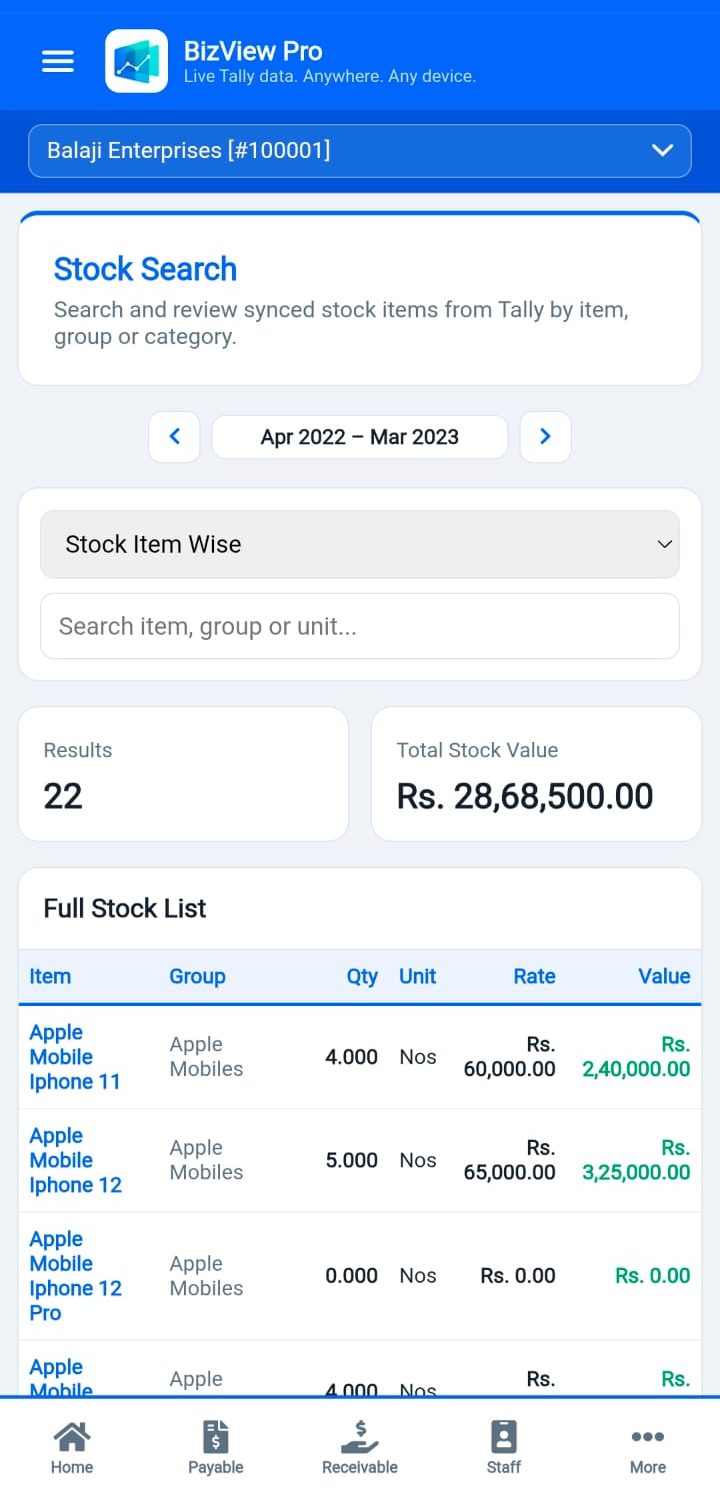
Stock Intelligence
View stock group-wise, item-wise, and batch-wise details. AI-powered restock alerts show items running low based on last 15 days of sales.
Voucher View & Share
Browse all voucher types — Sales, Purchase, Payment, Receipt, Journal, Credit Note, Debit Note. Share any voucher on WhatsApp instantly.
Profit & Loss Report
Full P&L report matching Tally's format — Income, Expense, Opening Stock, Closing Stock, Gross Profit and Net Profit, FY-selector included.
AI Reports
Smart restock urgency list, top loyal buyers, and product-pairing insights that show what customers tend to buy together — paginated for large catalogues.
Mobile-First PWA
Works perfectly on any mobile browser. Add to Home Screen as an app (PWA) for instant access — no app store needed.
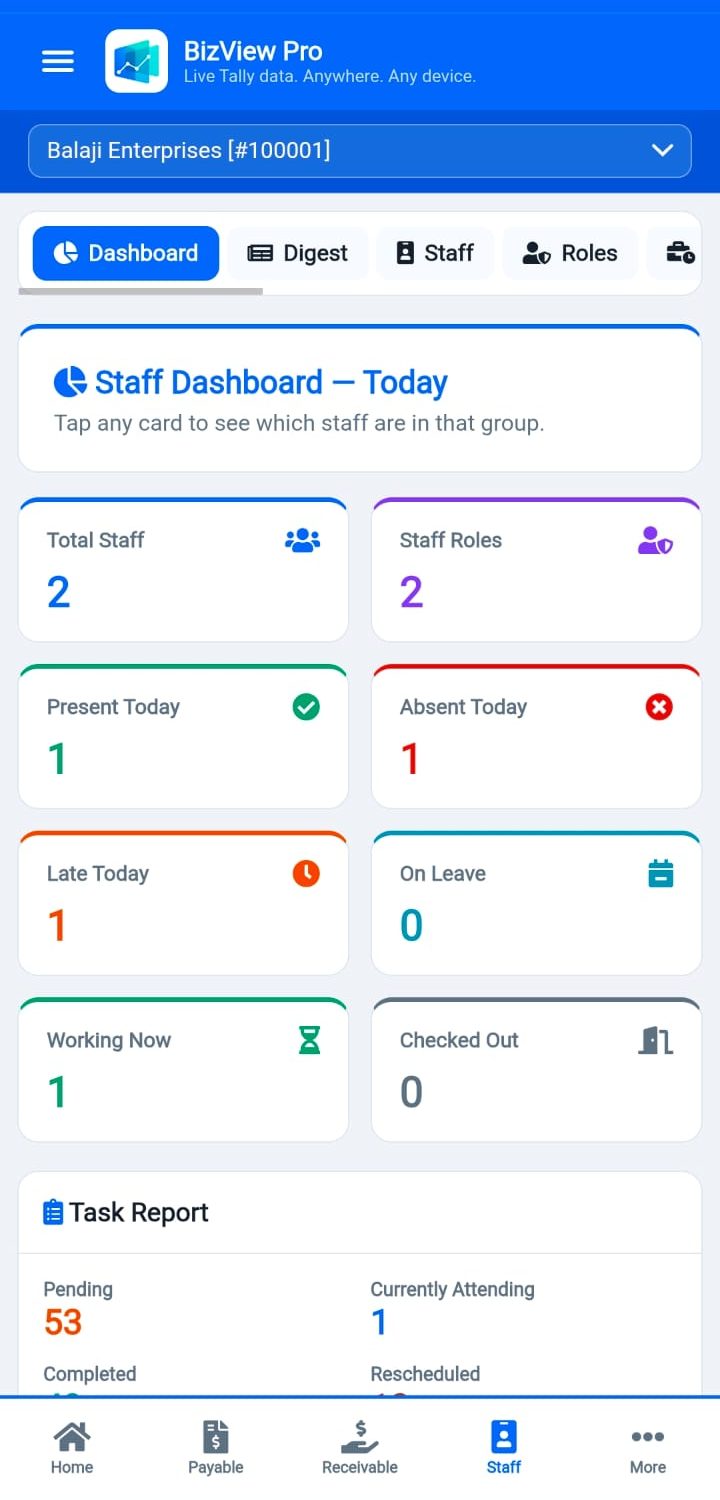
Staff Attendance & Payroll
GPS-based staff attendance, shift management, leave tracking, and automatic salary calculation — manage your team from the same portal as your Tally data.
Staff Task Assignment & Tracking
Assign one-off or recurring tasks to staff, track pending vs. completed in real time, and use a built-in task suggestion library to set up recurring work in seconds.
Multi-Company
Switch between multiple Tally companies from one login. Each company's data is completely isolated and secure.
Secure & Encrypted
Data sync is encrypted end-to-end. Sessions last 30 days. Hosted on your own server — your data stays yours, not a shared third-party cloud.
Backup & Restore
One-click backup to server database. Download any of the last 10 backups from the portal. Restore guide included.
Dedicated Support
WhatsApp and email support from Raj Systems & Technologies. Support hours and contact always available from the portal.